- 取得連結
- X
- 以電子郵件傳送
- 其他應用程式
After a lot of back and forth, I finally added notes to the recording app I use in every meeting. Otherwise I was juggling Google Meet, MyParrot and Obsidian at the same time, and it was a mess.
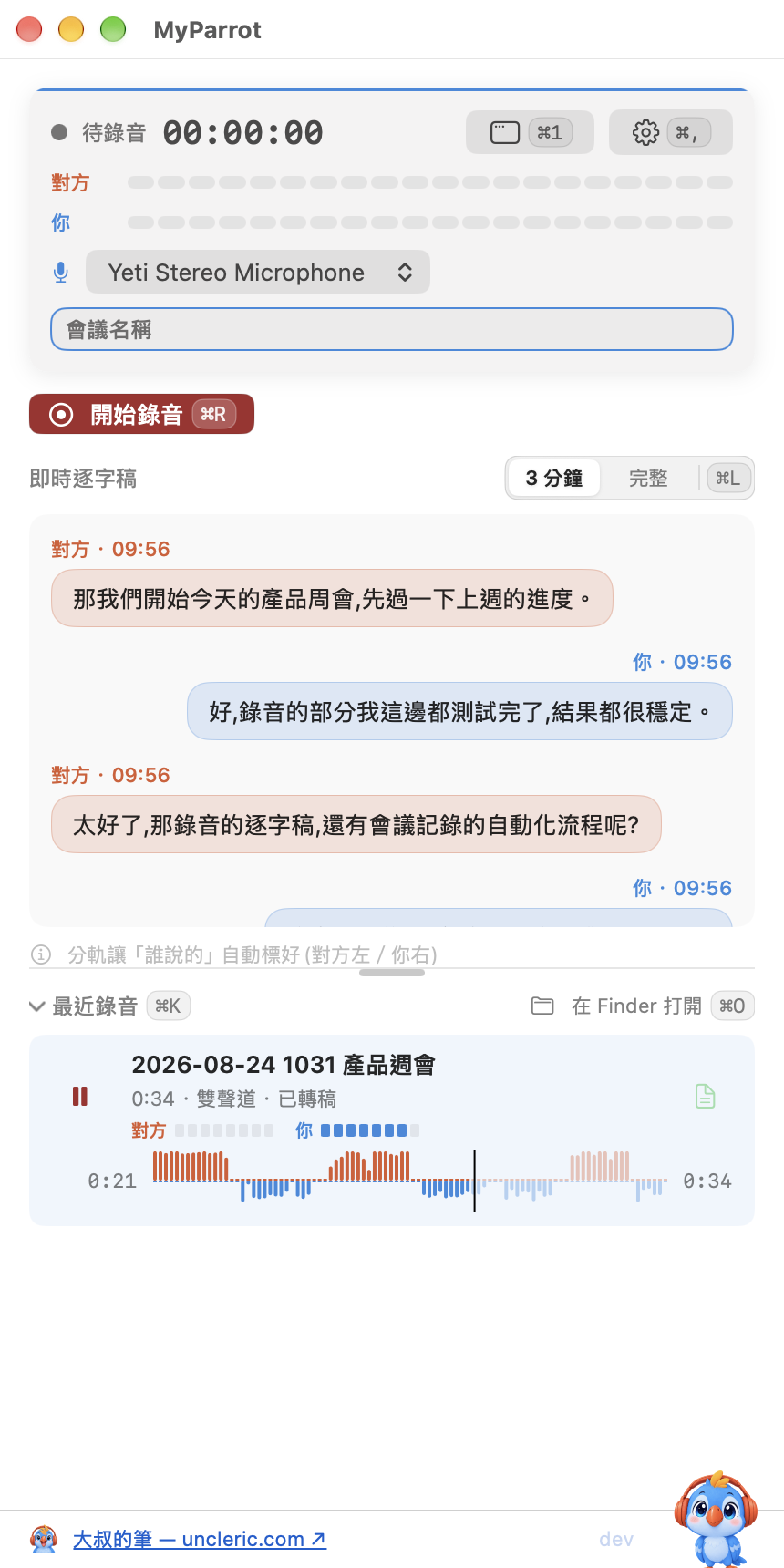
This release brings three major changes, and fixes two long-standing problems along the way.
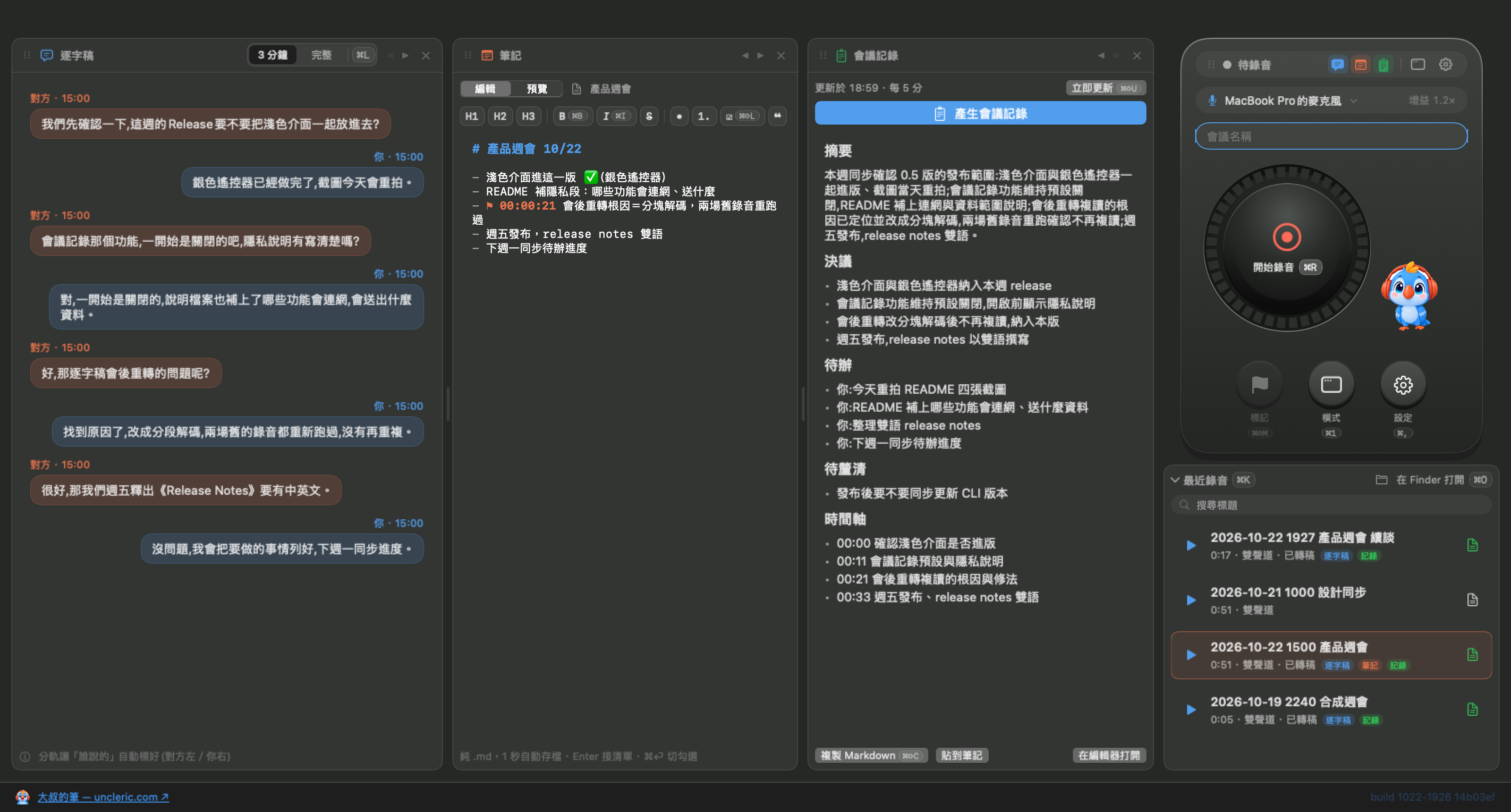
1. A redesigned interface, with notes that follow the recording
- The interface is redesigned into three panes: transcript, notes and meeting minutes. Open whichever you want to see.
- Every recording gets its own Markdown note. You can drop timestamp markers, and quote a transcript line into the note with one click. It's brand new, so there are probably a few rough edges; I'll keep fixing them.
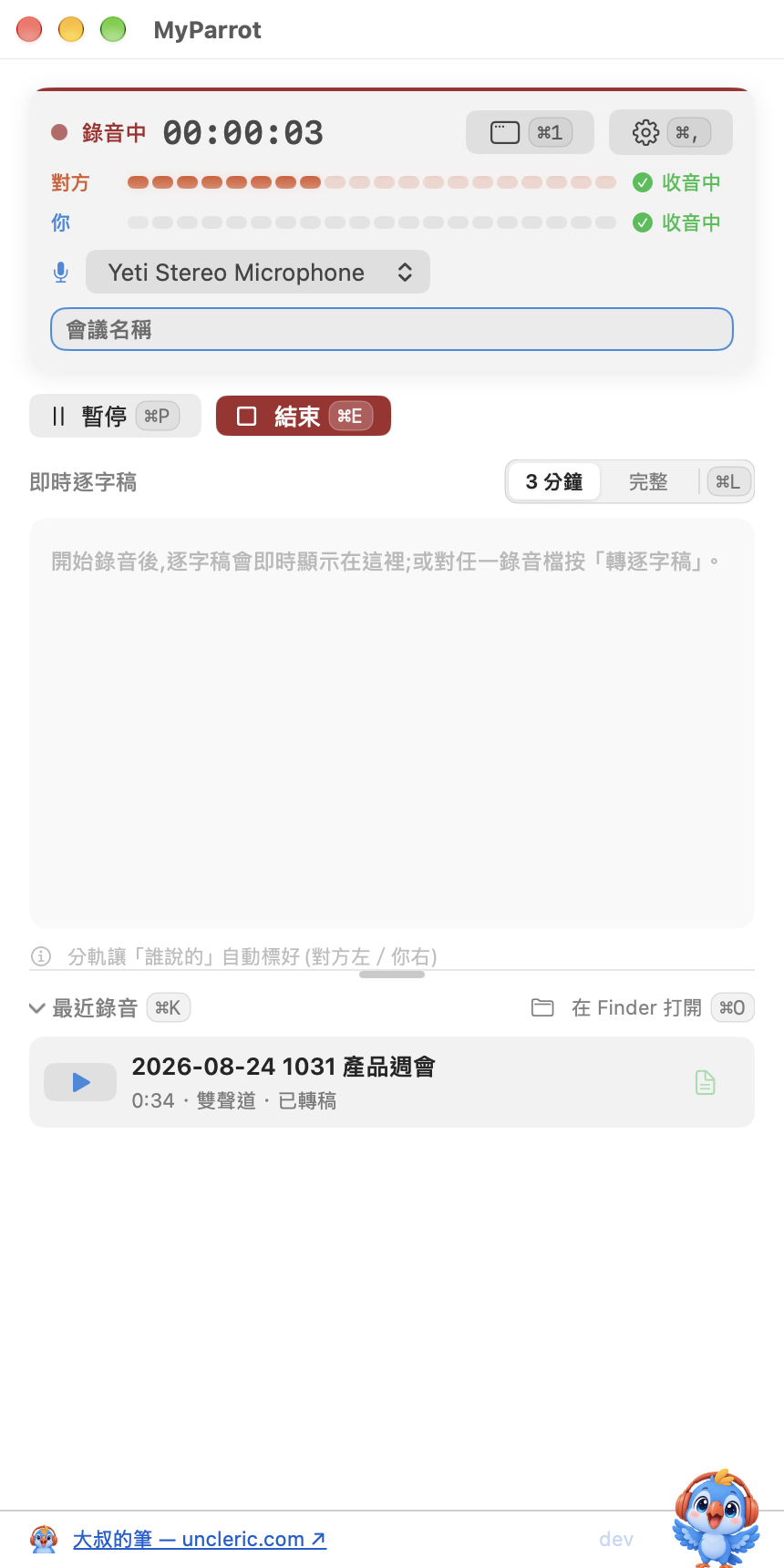
2. Meeting minutes and transcript correction can use AI; turn them on in Settings if you want to try
While recording, it summarizes the discussion, decisions and to-dos every few minutes, and when you stop, one click produces the full version. Transcript correction finds the words most likely misheard and suggests fixes; nothing changes until you decide.
There are two backends, picked in Settings:
- Apple's on-device model (macOS 26 or later), which keeps your private data on your Mac.
- If you'd rather use the AI you already pay for, it can also connect to the Claude CLI logged in on your Mac.
The first time you open the app, a dialog tells you where to turn these two features on. The architecture leaves room to add other models later.
3. The Bluetooth headset bug, properly fixed this time
The crash when AirPods connect mid-recording is fixed. Microphone switching is improved too: switching to a Bluetooth headset while recording no longer freezes the whole Mac, and if the headset disconnects, it falls back to the built-in mic on its own.
Other changes
- The high-precision re-transcription after a meeting now runs only when the Mac is idle; the bug where a whole transcript repeated the same sentence is fixed.
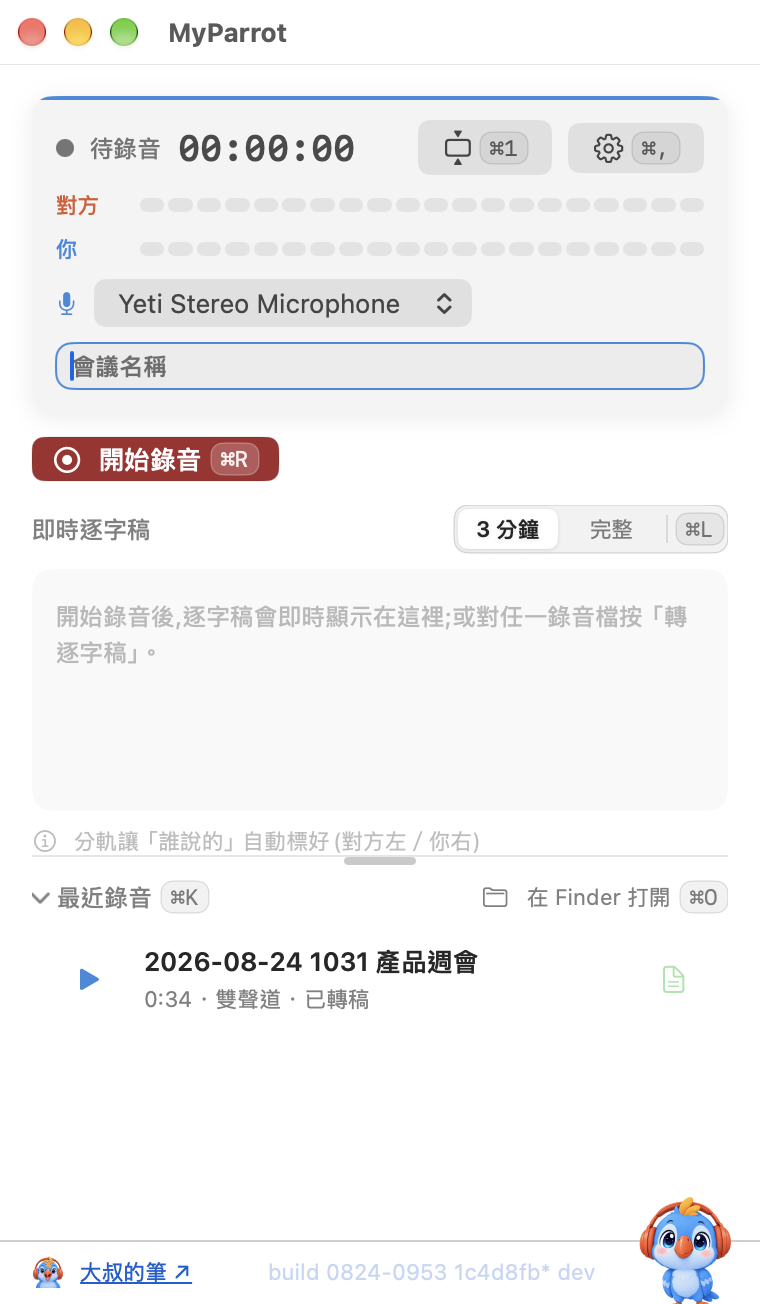
- Light and dark mode are supported.
- The live transcript and Apple's on-device model need macOS 26 or later.
Install
- Download the latest zip from Releases: https://github.com/tingyulu/MyParrot/releases/latest
- Unzip it and drag MyParrot.app into Applications. It's signed and notarized, so Gatekeeper won't block it.
- On first launch it asks for three permissions in turn: microphone, system audio capture, and speech recognition. No screen recording.
- For high-precision re-transcription after a meeting, download a Whisper model in Settings (large-v3-turbo recommended, about 1.6 GB).
- To build it yourself, clone the repo, then run:
bash scripts/fetch-whisper.sh
then:
bash scripts/build-app.sh
Open source, MIT, free: https://github.com/tingyulu/MyParrot
Give it a try. If you find a problem or want a feature, tell me and I'll keep improving it.
I scratch my own itch.
留言
張貼留言